
-
×
 CorelCAD 2021 Final x64 Full Version for Windows
2 × £10.99
CorelCAD 2021 Final x64 Full Version for Windows
2 × £10.99 -
×
 SketchUp Pro 2021 Final Full Version for Windows
1 × £12.99
SketchUp Pro 2021 Final Full Version for Windows
1 × £12.99 -
×
 Autodesk AutoCAD Map 3D 2022 (x64) Windows Full Version
2 × £13.99
Autodesk AutoCAD Map 3D 2022 (x64) Windows Full Version
2 × £13.99 -
×
 AIDA64 Extreme 7 (2024) Full Version for Windows
1 × £11.99
AIDA64 Extreme 7 (2024) Full Version for Windows
1 × £11.99 -
×
 Autodesk AutoCAD Architecture 2022 (x64) Windows Full Version
2 × £13.99
Autodesk AutoCAD Architecture 2022 (x64) Windows Full Version
2 × £13.99 -
×
 ResumeMaker Professional Deluxe 20 Full Version for Windows
2 × £12.99
ResumeMaker Professional Deluxe 20 Full Version for Windows
2 × £12.99 -
×
 Autodesk Inventor Professional 2021 - Full Version
2 × £15.99
Autodesk Inventor Professional 2021 - Full Version
2 × £15.99 -
×
 Autodesk AutoCAD LT 2022 (x64) Windows Full Version
1 × £13.99
Autodesk AutoCAD LT 2022 (x64) Windows Full Version
1 × £13.99 -
×
 Autodesk InfraWorks 2022 (x64) Windows Full Version
1 × £15.99
Autodesk InfraWorks 2022 (x64) Windows Full Version
1 × £15.99 -
×
 ANSYS Products 2022 Full Version
1 × £15.99
ANSYS Products 2022 Full Version
1 × £15.99 -
×
 Wondershare PDFelement Pro x10 (2023) Full Version for Windows
1 × £11.99
Wondershare PDFelement Pro x10 (2023) Full Version for Windows
1 × £11.99 -
×
 Autodesk Inventor Professional 2022 - Full Version
1 × £15.99
Autodesk Inventor Professional 2022 - Full Version
1 × £15.99 -
×
 Paragon Hard Disk Manager 17 Business Full Version for Windows
1 × £11.99
Paragon Hard Disk Manager 17 Business Full Version for Windows
1 × £11.99
Subtotal: £246.82

 Office & Business
 Operating System
 Graphics & Design
 Engineering & Simulation
 Antivirus & Security




Besides a small problem at the start up (the program keeps asking fo...More
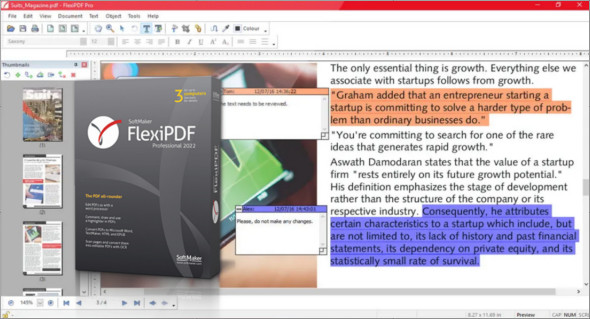
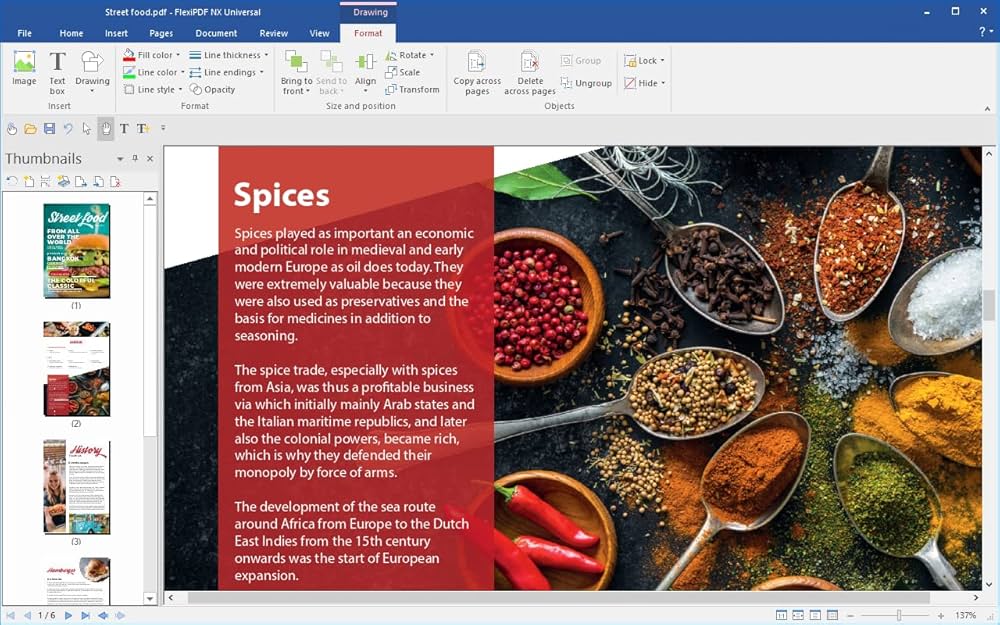
Besides a small problem at the start up (the program keeps asking for a serial number) the quality of the converted documents is not very good (with strange characters in the output). I am not sure yet either the problem is cause by the quality of the pdf I converted or if it is the best I can get with FlexiPDF.
What I like about it is the language support with menus in my native language.